

What it is and what it costs
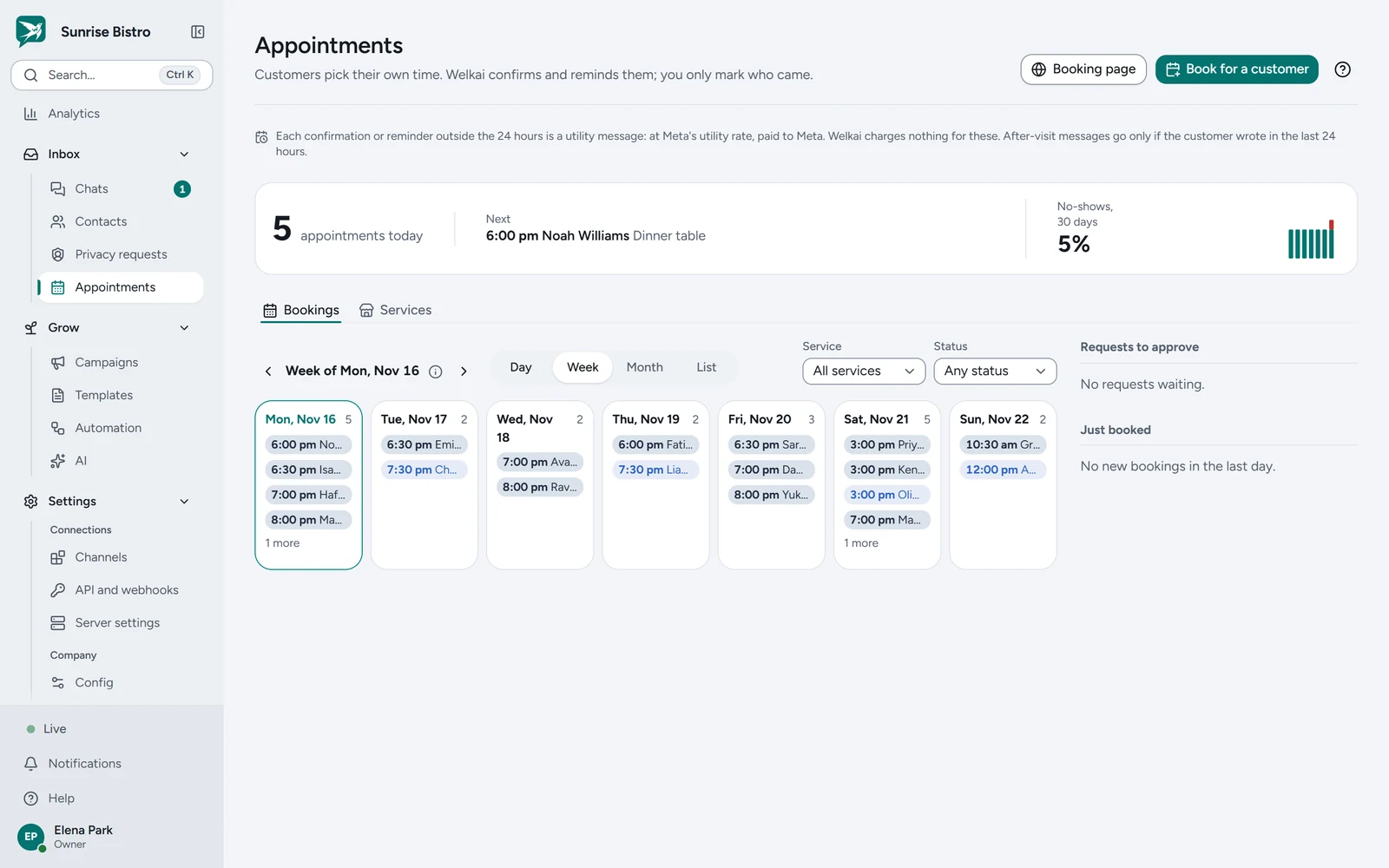
Customers open your booking link, pick a service and a free time, and Welkai confirms on WhatsApp and sends reminders. Customers can also book in a chat with a flow.
Bookings are free. Welkai takes no payment: a price you enter is only shown, and customers pay you as usual. Your plan sets how many services and staff calendars you can have.
Before you start
A linked WhatsApp number to send confirmations and reminders from, and your opening hours.
Steps
- On Appointments, open the Services tab, press New service, type its Name, for example "Haircut and wash", and press Create and set up.
- Under Basics, set the Length and pick the number under Send from.
- Under Hours, set the opening hours for each day, and any Closed dates.
- Under Rules and Messages, check the defaults, such as Bookings per time slot and the Reminder time.
- Press Copy booking link under Your booking link and share it in your bio, on your website, or print the QR code with Download QR.
What happens next
Each booking gets a confirmation at once and a reminder before the visit. Customers can reply 1 to confirm or 2 to change. If you ticked I approve each booking, press Approve or Decline first.
From the start time, mark each visit Arrived or No-show. Before it, you can Reschedule or Cancel; Welkai tells the customer and moves their reminders.
When you book for a customer, From can be any number, mailbox or Page: the confirmation and reminders go from there, in that customer's chat. A Page or Instagram account sends only within 24 hours of their last message. A phone number typed in needs a WhatsApp number.
Common problems
"The link opens once a service is on": finish the service setup and switch it on.
No confirmation arrives for web bookings: pick a number under Send from.